✨ New Arrivals Just Dropped!Explore
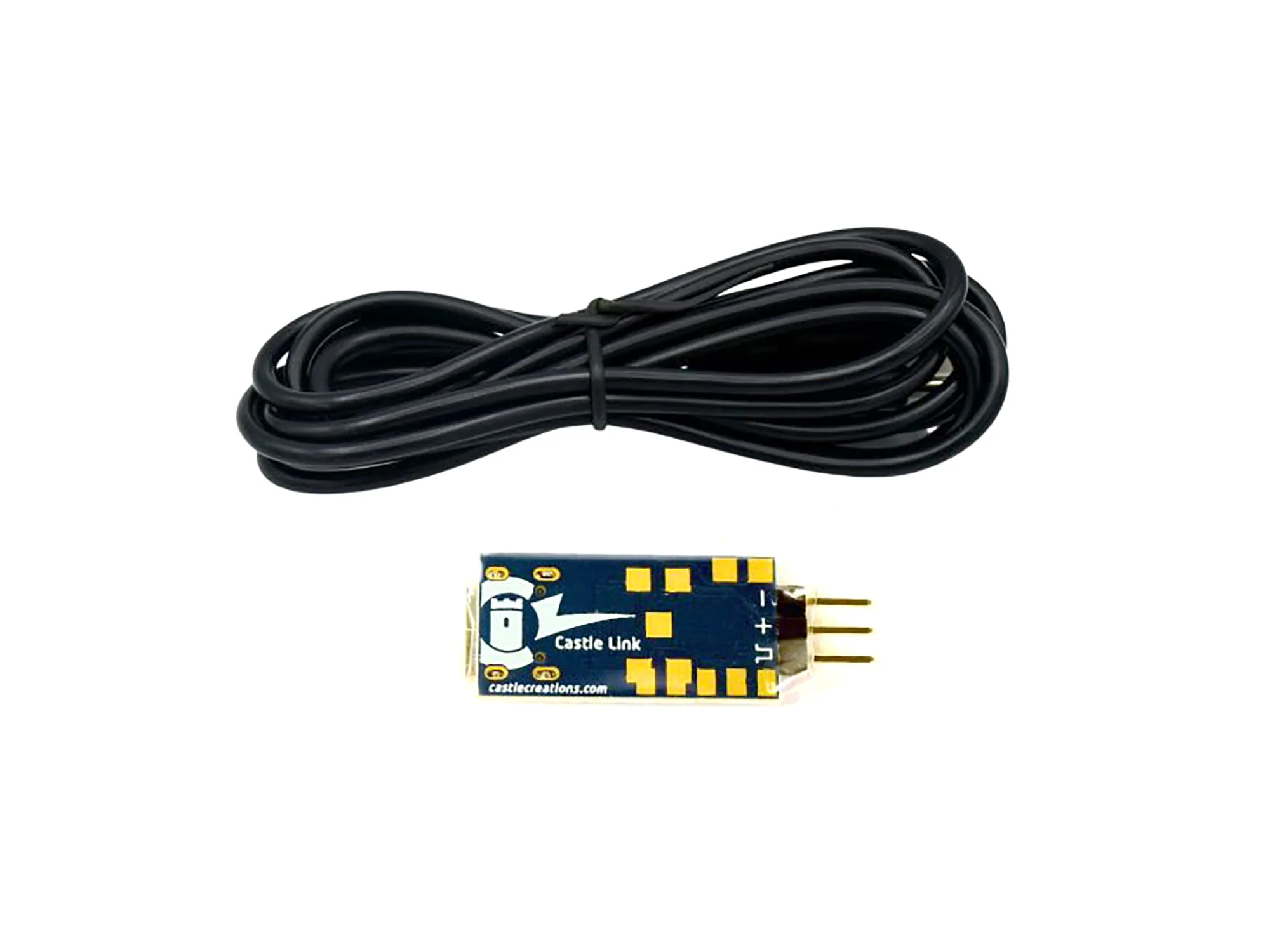
Castle Creations Castle Link PSoC USB Programming Kit CC011-0173-00
Castle Link V4 USB Programming Kit
Download the Castle Link 2 software from the Castle Creations Downloads area.
Run the Castle Link 2 installer and follow the on-screen prompts.
Plug the Castle Link V4 adapter into the provided Type-C USB cable.
Connect the ESC's receiver lead to the Castle Link adapter's prongs; the brown wire connects to the pin marked "GND" or "-".
Castle Link V4 is our new 32-bit based USB adapter designed for Cobra 8 ESC only. It uses the latest Castle Link 2 Windows software for seamless programming and data management.
In The Box:- Castle Link V4 USB adapter
- Type-C USB cable
- Castle decal sheet
- Program your Cobra 8 ESC on a Windows PC (Windows 10 or higher)
- Set up programmable options with point-and-click ease
- View current program settings
- Download and view the ESC's onboard data logs
- Update ESC firmware when available
Note: Castle Link Classic software is not compatible with the Castle Link V4 adapter and Cobra 8 ESC.
$45.23
Castle Creations Castle Link PSoC USB Programming Kit CC011-0173-00—
$45.23
Product Information
Product Information
Shipping & Returns
Shipping & Returns
Description
Castle Link V4 USB Programming Kit
Download the Castle Link 2 software from the Castle Creations Downloads area.
Run the Castle Link 2 installer and follow the on-screen prompts.
Plug the Castle Link V4 adapter into the provided Type-C USB cable.
Connect the ESC's receiver lead to the Castle Link adapter's prongs; the brown wire connects to the pin marked "GND" or "-".
Castle Link V4 is our new 32-bit based USB adapter designed for Cobra 8 ESC only. It uses the latest Castle Link 2 Windows software for seamless programming and data management.
In The Box:- Castle Link V4 USB adapter
- Type-C USB cable
- Castle decal sheet
- Program your Cobra 8 ESC on a Windows PC (Windows 10 or higher)
- Set up programmable options with point-and-click ease
- View current program settings
- Download and view the ESC's onboard data logs
- Update ESC firmware when available
Note: Castle Link Classic software is not compatible with the Castle Link V4 adapter and Cobra 8 ESC.